Building a Global Community that’s Always Connected
Learners today need connection.
Removing physical, geographic, and cultural boundaries enables global collaboration rooted in shared meaning. Northeastern is transforming tech-driven teaching, learning, and research to cultivate those connections—creating a worldwide community that always innovates.

Updates and Success Stories
Northeastern students, faculty, and staff use technology 24/7. Always being connected facilitates their work and impact.
- Faculty and Staff Tech Update: April 18, 2024
 Find information about the new Data Classification and Data Privacy training, the introduction of Microsoft Loop, as well as an article from Professor Nikos Passas with the latest on digital scams and what you can do to protect yourself, and much more! …Continue Reading Faculty and Staff Tech Update: April 18, 2024
 - Student Tech Update: April 18, 2024
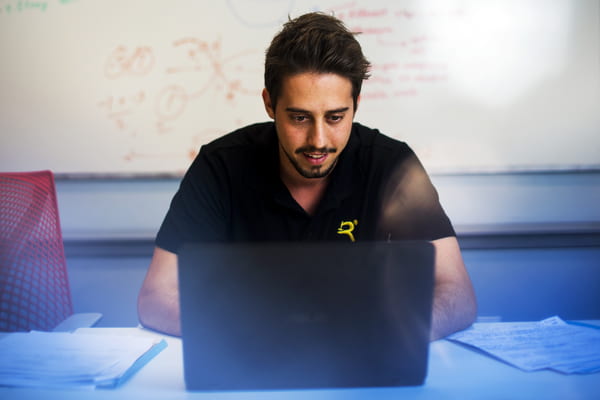 Learn about Microsoft Loop and don’t miss Professor Passas’ article about the significant increase in the number of scams and what you can do to protect yourself….Continue Reading Student Tech Update: April 18, 2024
 - 25 Years and Counting: Bruce McCreary, Senior Director of ITS for the Oakland Campus
 A lot has changed since Bruce joined the Oakland Campus…Continue Reading 25 Years and Counting: Bruce McCreary, Senior Director of ITS for the Oakland Campus

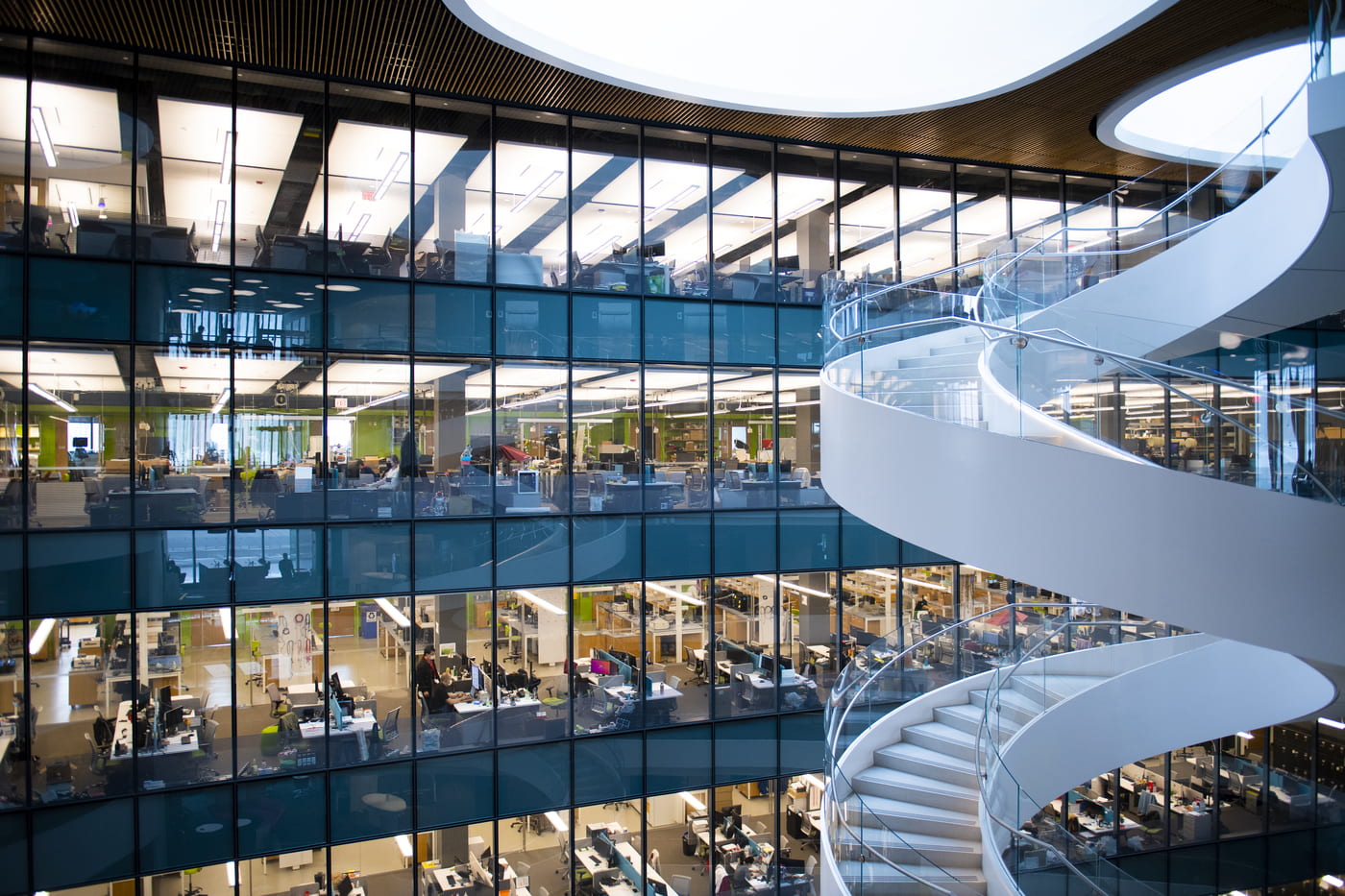
Connecting 38,000-plus students, 3,000-plus faculty, and 4,000-plus staff members across 13 campus locations
Team ITS Is Hiring!
Rooted in a people-first mentality and a deep commitment to meaningful relationships with colleagues, the IT Services team drives digital transformation across Northeastern University’s global campus network. Join a flexible, highly dynamic, and collaborative organization that values individuals’ success as much as the team’s mission.
A World of Possibilities, Powered by Technology
Explore how Team ITS can support your goals.
Information Security
Data and Asset Protection
Keep your personal data—and Northeastern’s data—protected and secure.
Training
Training for Every Skill Level
Build new competencies and skills to support working, teaching, and learning at a modern digital university.

Projects
At any given time, ITS is actively working on more than 100 different projects with or for university partners and members of the Northeastern community. ITS welcomes new opportunities and ideas for project work.
- New College of the Humanities, London
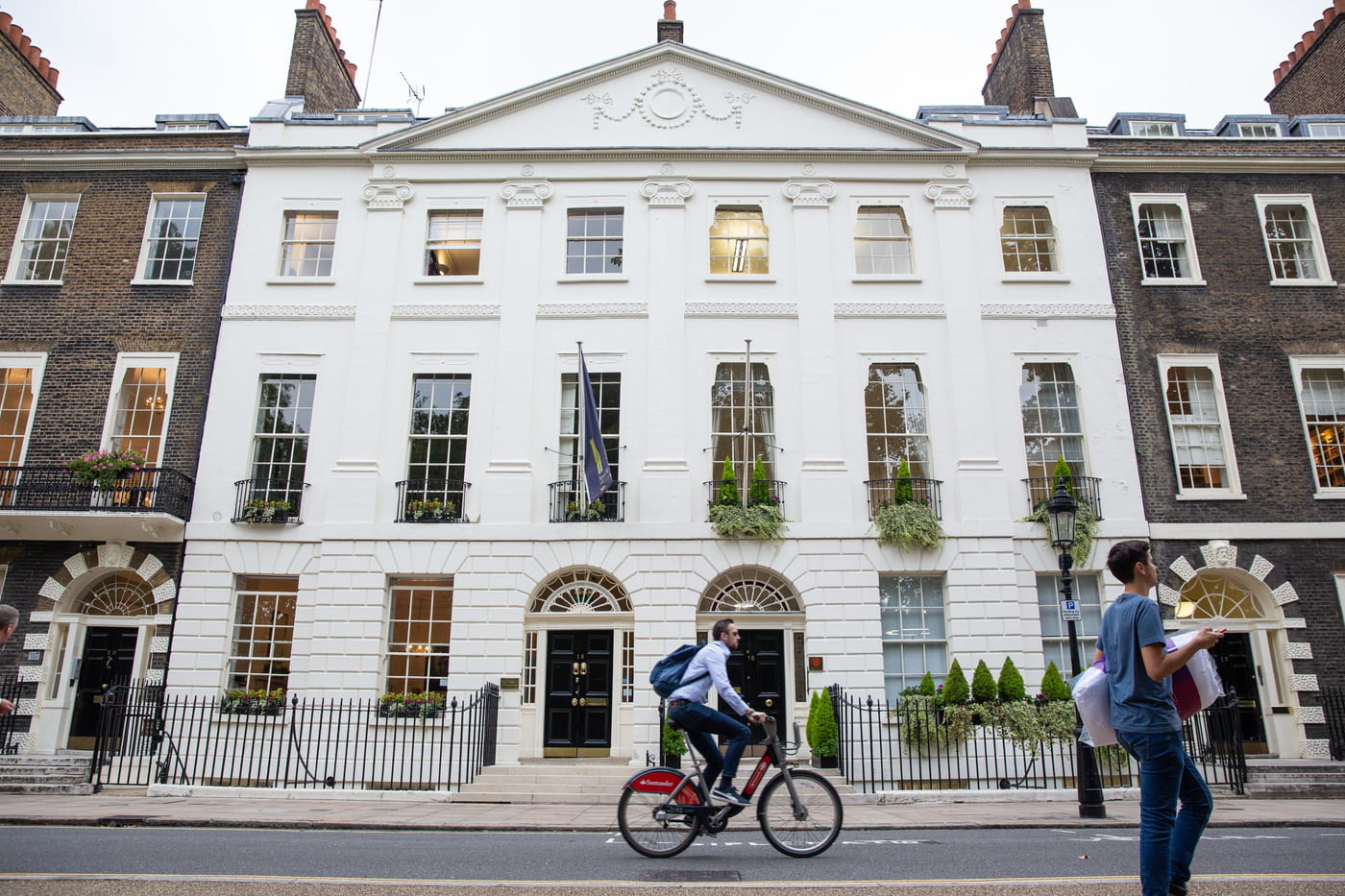 Part of the continued effort to seamlessly integrate the London location into Northeastern’s global university network includes a continued buildout of classroom and other technology. …Continue Reading New College of the Humanities, London